
What you will get
When the student asks "did I get anything?", the ability to say exactly what they should have received and when.
Your portal access
Goes out when the student is registered with portal access.
It carries the school's portal address and a temporary password. It is the email that starts everything — and the one students most often lose.
It does not go out for a student registered without an email, nor for one registered without generating access. In both cases, silently.
Password recovery
Goes out when the student uses Forgot my password.
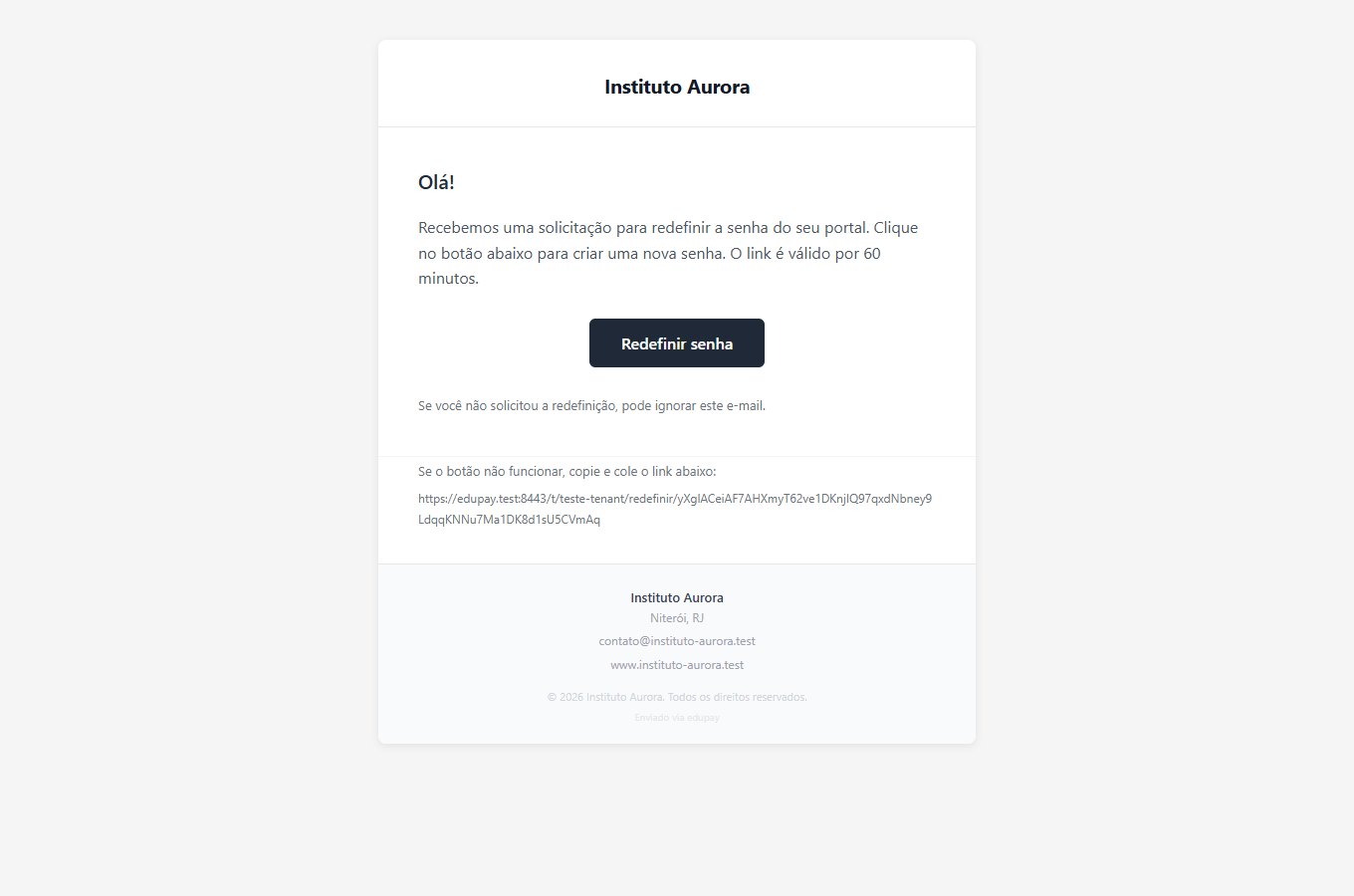 A large button, and the link repeated as text below — for when the button does not work in their mail app. The screenshot is from the Portuguese version; the layout is the same in English.
The link lasts 60 minutes, and the email says so. There is no limit on requests.
Your enrolment is confirmed
Goes out when the enrolment leaves "awaiting signature" and becomes live.
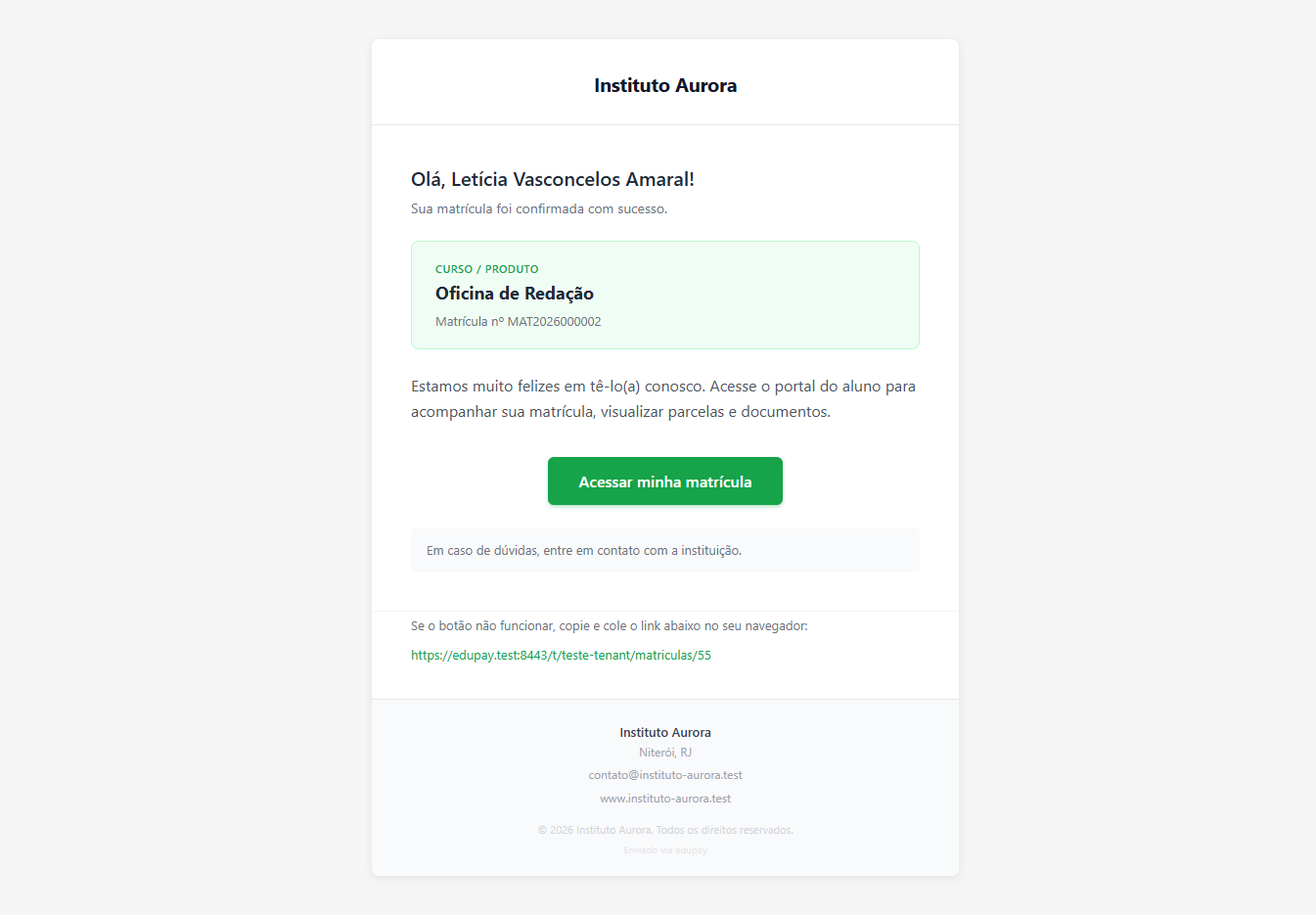 The green panel carries the course and enrolment number. The amber panel only appears when there is an open instalment.
This email does not go out on every path. It goes out when the school approves a physical signature, and when the enrolment is created with no contract to sign. It does not go out when the student accepts electronically or signs digitally — the two most common routes. Logged for correction.
In practice, a student who signs online gets no written confirmation. If they ask for one, issue the Acceptance Receipt from the panel and send it.
Notice about your enrolment
Goes out when the enrolment is cancelled — from the screen, or by the routine that expires contracts when automatic cancellation is switched on.
The subject is deliberately neutral: it arrives discreetly in the student's inbox.
What they all share
All of them carry the school's logo, name, address and contact, pulled from Settings › General. To the recipient, the school wrote them.
It is worth opening one occasionally to check the header is still right — a changed logo, an old phone number, an out-of-date address.
If something goes wrong
The student did not get their access. Check the email on the record, ask them to look in spam, and settle it through Forgot my password — it works even if the first email never arrived.
They say they got no enrolment confirmation. If they signed in the portal by electronic acceptance or digital signature, that is expected today.
The email arrived with the wrong school details. Fix them in Settings › General; the next ones will be right. Those already sent do not change.
Reviewed on · view as plain text