
What you will get
That enrolment's contract as a PDF, to archive, print or send to someone. The button is Download Contract, in the contract block inside the enrolment.
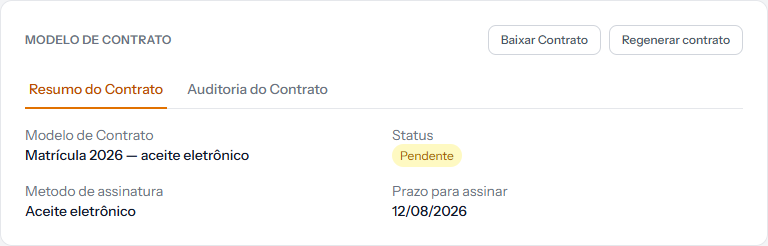 The button sits at the top of the contract block. The two tabs below — summary and audit — show on screen what the PDF carries on paper.
What is in the file
The contract text of that enrolment — the frozen copy, with the student's details already filled in. It is not the blank template.
If the school configured the institution's signature, it appears at the foot.
The file comes out the same before and after signing. What changes is the record of acceptance, which is not in the contract: it is in the receipt, which is a different document.
When to use it
- The school's archive, for the student's folder.
- Printing, when the student signs on paper.
- Sending through another channel, when the family asks by email or message.
To prove the student accepted, the right document is the acceptance receipt, not this one. The article next door explains the difference.
How you know it worked
The browser downloads a PDF named after the enrolment. Opening it, the text is complete, with the student's name and the amounts in place of the variables.
If something goes wrong
The button is missing. The enrolment was created without a contract template, so there is no document.
The PDF came out with a blank patch. Some template variable had no value — usually cohort or address. Complete the record and regenerate the contract, if it has not been signed.
The school's signature is missing. It is configured under Settings › Contracts and has to be filled in before the contract is generated.
Reviewed on · view as plain text