
What you will get
To know what is coming before you start. The wizard is called Set up your account in minutes and has five steps, shown on a ruler at the top of the screen.
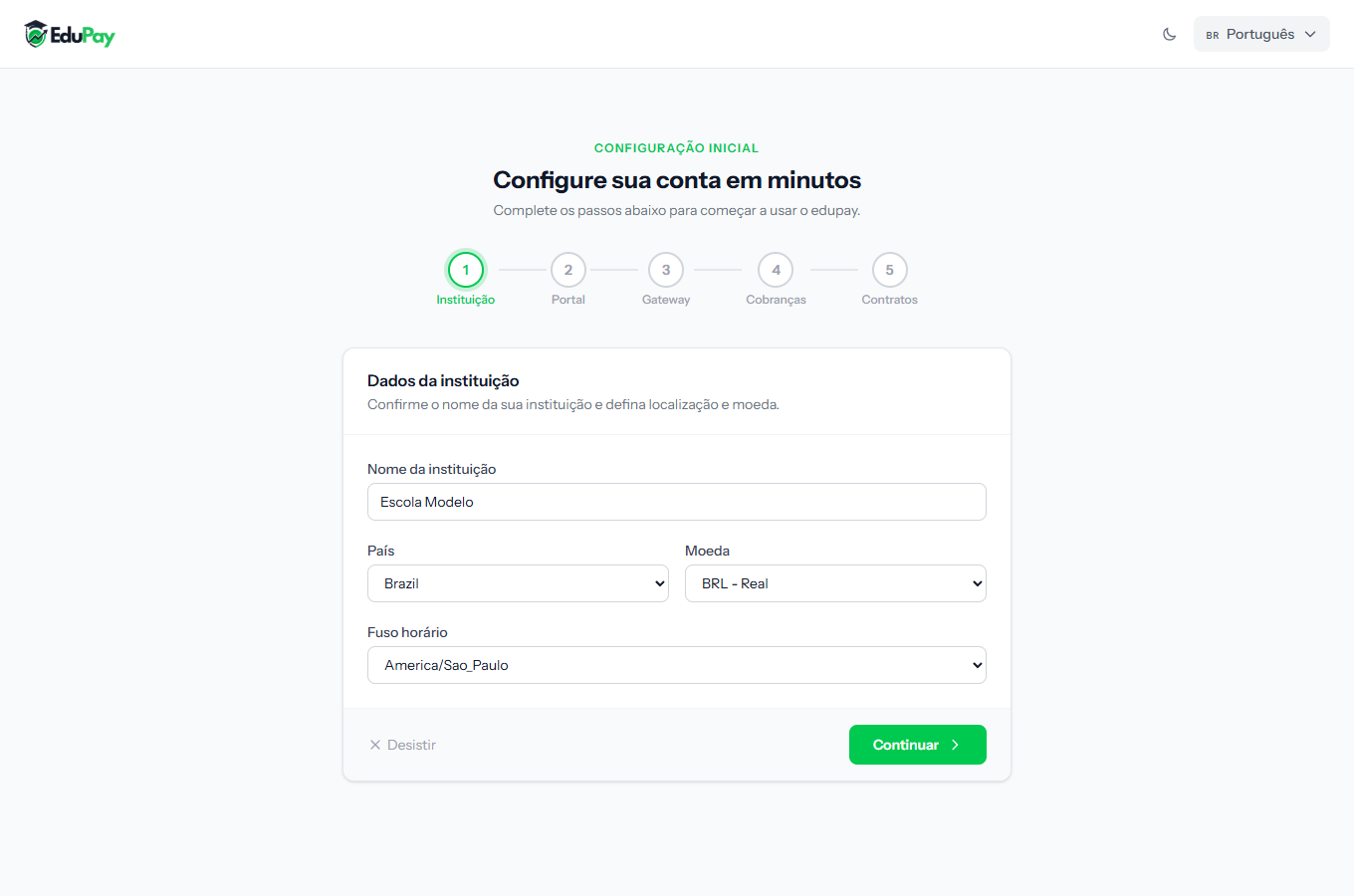 The ruler at the top shows where you are. Completed steps get a green mark.
What each step asks
| Step | On the ruler | What it asks | Can it be skipped? |
|---|---|---|---|
| 1 | Institution | School name, country, currency and timezone | No |
| 2 | Portal | The address where your students log in | No |
| 3 | Gateway |
Connecting the account that receives the money | Yes, but it blocks charging |
| 4 | Billing | Slip lead time and overdue threshold | No |
| 5 | Contracts | Creating the first contract template | Yes, no harm done |
What carries the most weight
Two steps deserve attention because they are hard to change later or block the whole system:
The currency, on step 1. It defines how every amount is written and which currency charges are created in. Changing it once charges exist creates confusion across the whole portfolio.
The payment account, on step 3. You can choose Set up later, and the wizard says so on screen: without it, no charge can be issued — not by hand, not by the automatic routine. The school works for registering and enrolling, but not for getting paid.
The other three are easy to adjust later, under Settings.
How to tell it worked
When you finish step 5, the system unlocks the panel and stops bringing you back to the wizard. From then on the left-hand menu works in full.
If something goes wrong
I closed the browser halfway through. Nothing is lost: each step is saved when you click Continue. When you come back, the wizard reopens on the step where you stopped.
I want to change something from an earlier step. Use the Back button inside the wizard. Once finished, all of it lives under Settings.
I do not want to configure now. Step 1 has a Cancel, but it only leaves the screen — the system will ask for the wizard again next time. Only step 3 and step 5 can genuinely be left for later.
Reviewed on · view as plain text