
What you will get
A password request settled without you touching anything — because the student can do it alone, and it is better that way.
The path, from the student's side
1. On the sign-in screen, they click Forgot my password.
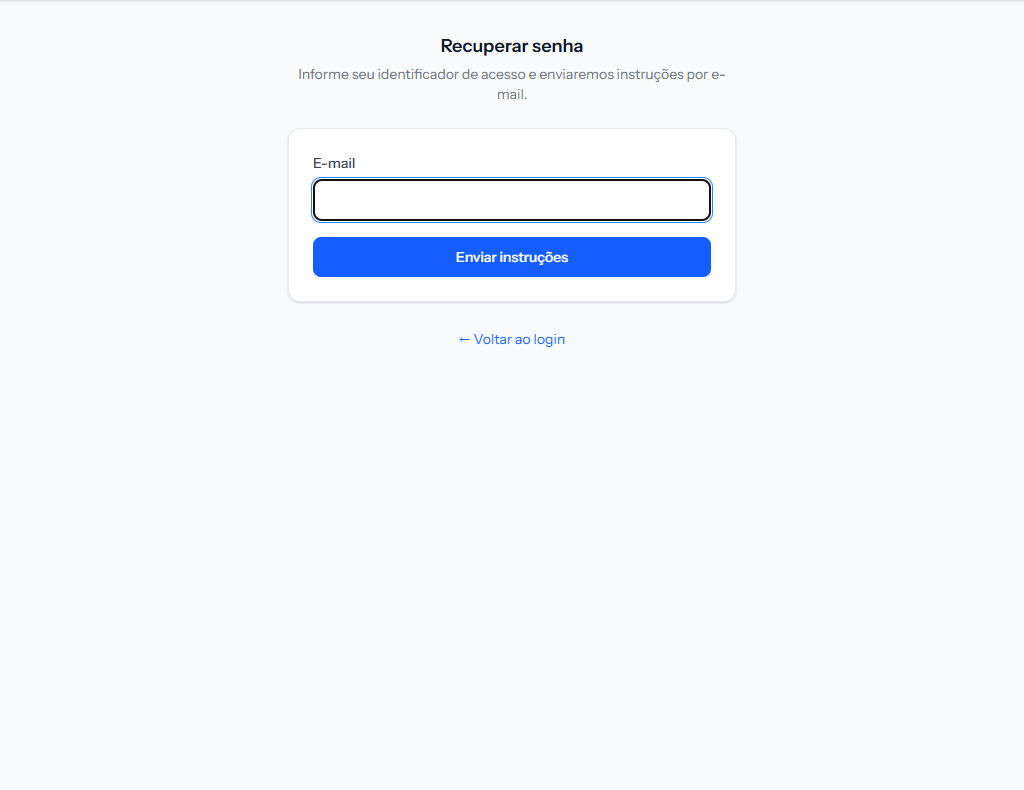 One field only. Its label follows the school's configuration. The screenshot is from the Portuguese portal; the layout is the same in English.
2. They enter their sign-in identifier and send.
3. The screen always answers the same thing.
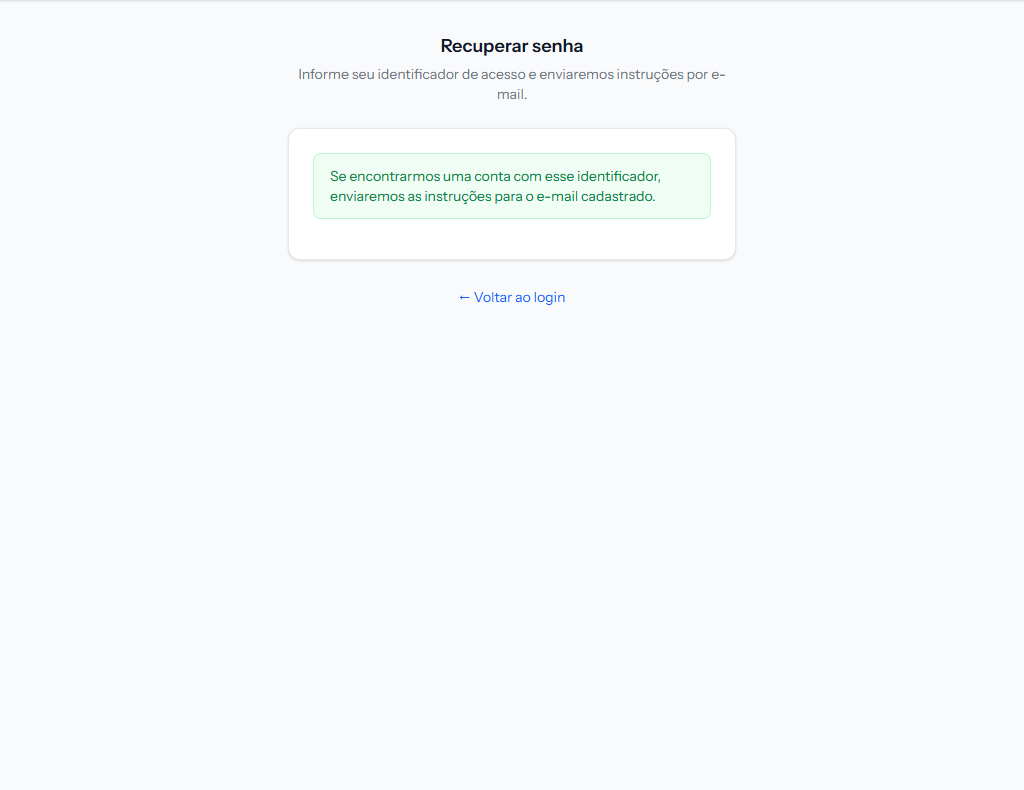 The sentence is deliberately vague: if an account matching that identifier is found, instructions will be sent to the registered email.
The screen does not say whether the email exists — and that is deliberate. If it did, anyone could work out who studies at the school by testing addresses. The answer is the same for people with an account and people without.
4. The email arrives, subject Password recovery with the school's name, with a button and the link repeated as text below, for when the button does not work.
5. They open the link and set the new password.
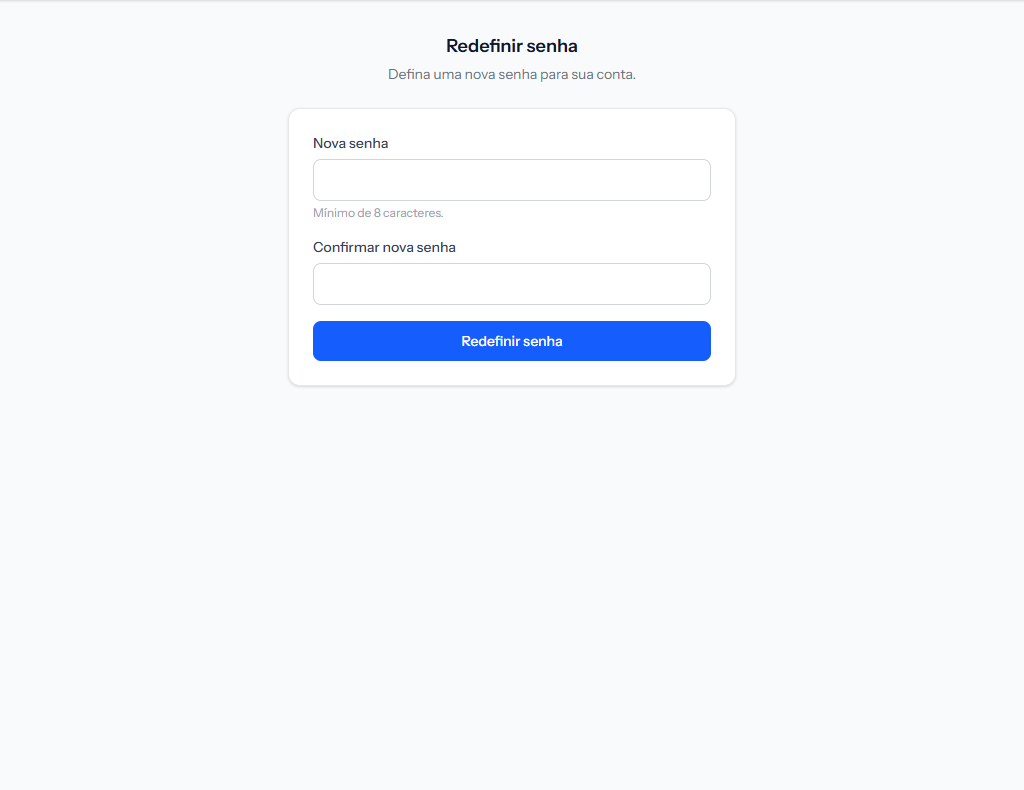 Minimum 8 characters, and the confirmation has to match.
6. Once saved, they are signed straight in — no need to go back and type everything again.
The link lasts 60 minutes
The email says so itself. Past that, the student requests another — there is no limit on requests.
A student who requests it at night and opens the email in the morning will find an expired link. That is the most common cause of "the link does not work".
What else this route fixes
Changing the password also clears the first-sign-in password requirement. So a student who lost the welcome email and never signed in solves everything here, without needing you.
When you do need to step in
Only two cases:
- The student has no email on their record. Nowhere to send the link. Add the email first.
- The email on file is wrong or no longer theirs. Fix the record and ask them to try again.
If something goes wrong
They say nothing arrived. Ask them to check spam, and verify the email on the record. Remember the screen answers the same way even with no account — it is not proof the address is right.
The link errors when opened. More than 60 minutes have passed, or it has already been used once. Request another.
The new password is refused. Under 8 characters, or the confirmation does not match.
Reviewed on · view as plain text